

Geolocation Sign On
Geofence your site
Forgetful workers on site? The geofence tool sends automatic notifications to your workers, reminding them to sign on and off each day.
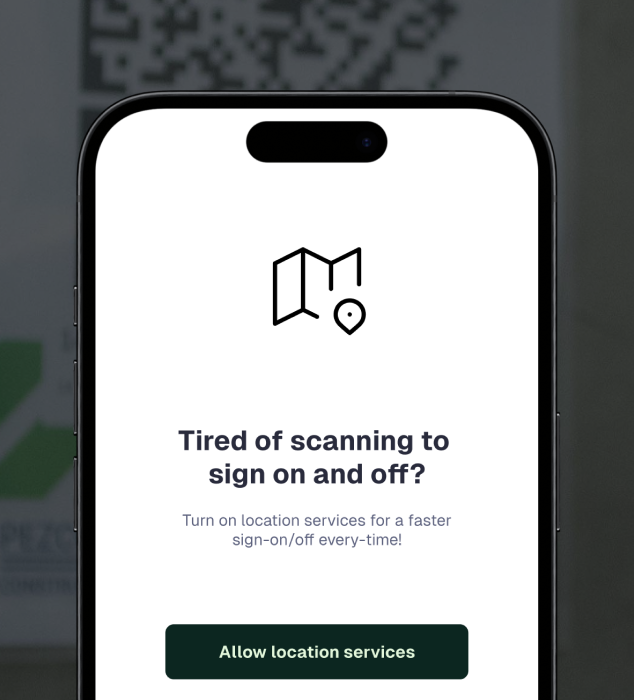
Helpful reminders
Never miss a sign on or off again with geolocation reminders.
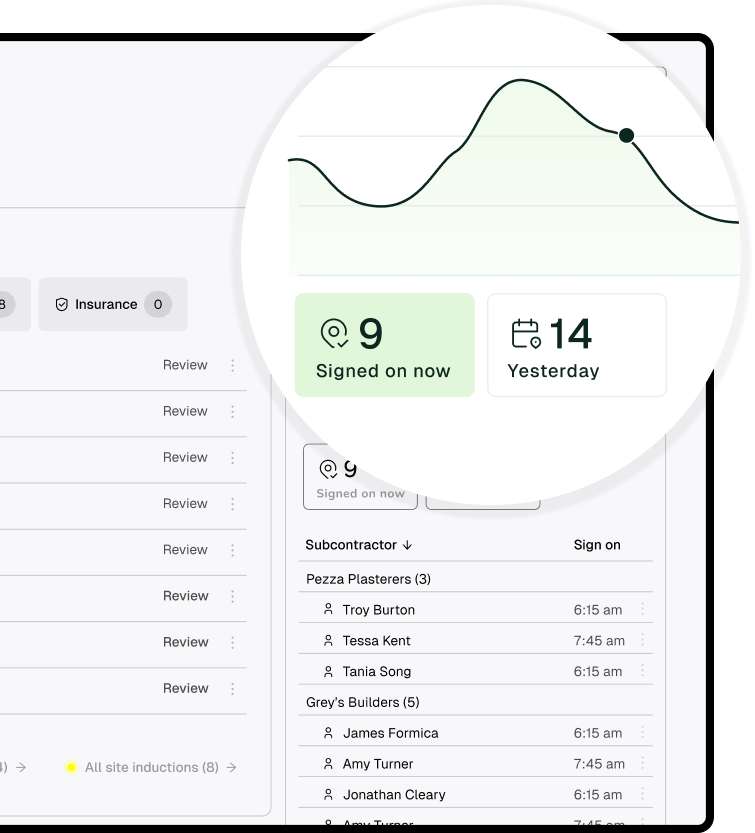
Accurate sign ons
Simplify on-site people management with the BuildPass sign on tool. View a real-time snapshot of all workers who have signed on today, or within a filtered date range.
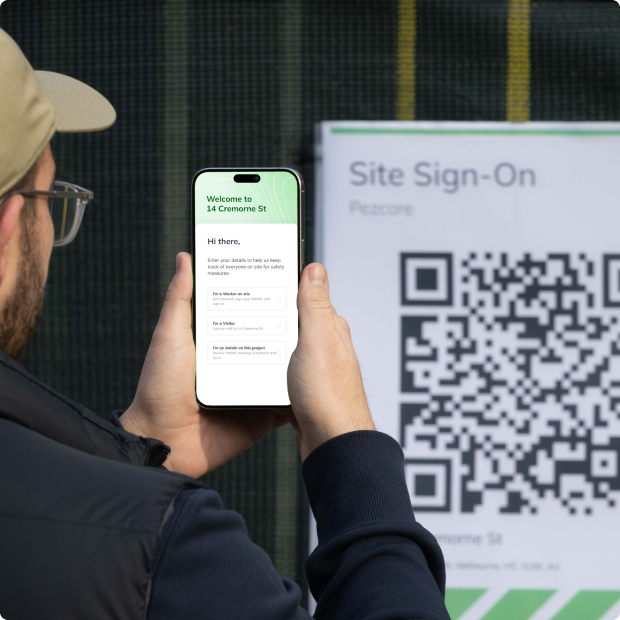
AI Toolkit
BuildPass AI is your super powered sidekick you won't be able to live without. Discover how you can skip stale admin, speed up manual processes and get sh** done faster.
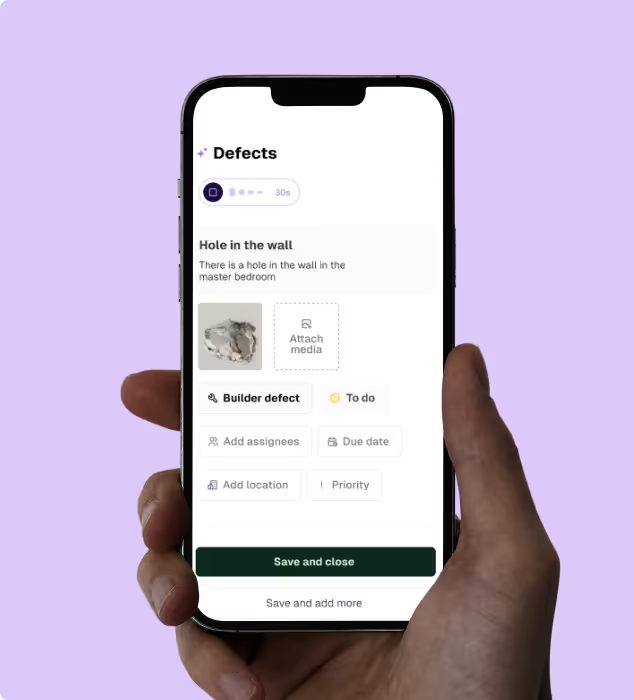
Health & Safety
Digitising your health & safety processes will be the best thing you ever do. Gone are the days of photocopying insurances or scanning in SWMS.
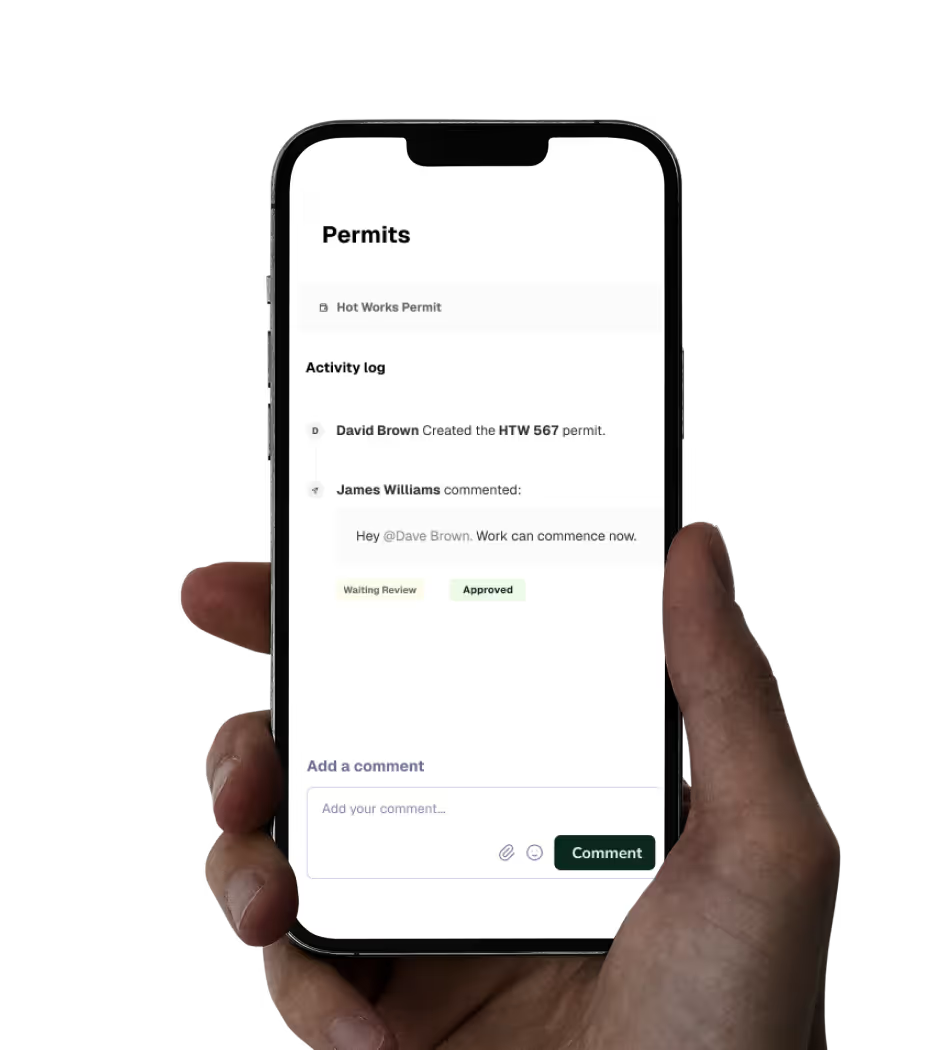
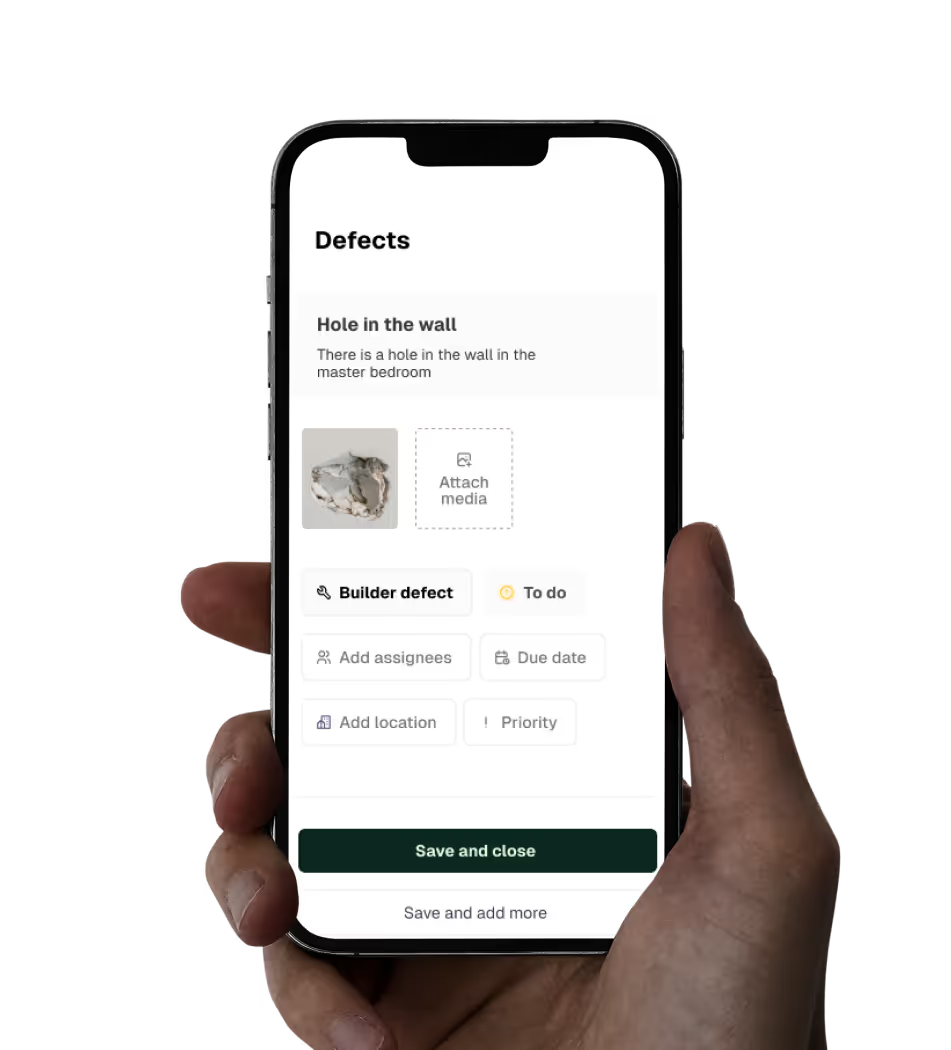
Quality Assurance
Build quality into everything you do. Create ITPs, capture defects & ensure site work is to spec.
Site Management
Centralise the management of every task on site. Build schedules, workflows, and daily site diaries with ease.
Inspiring stories
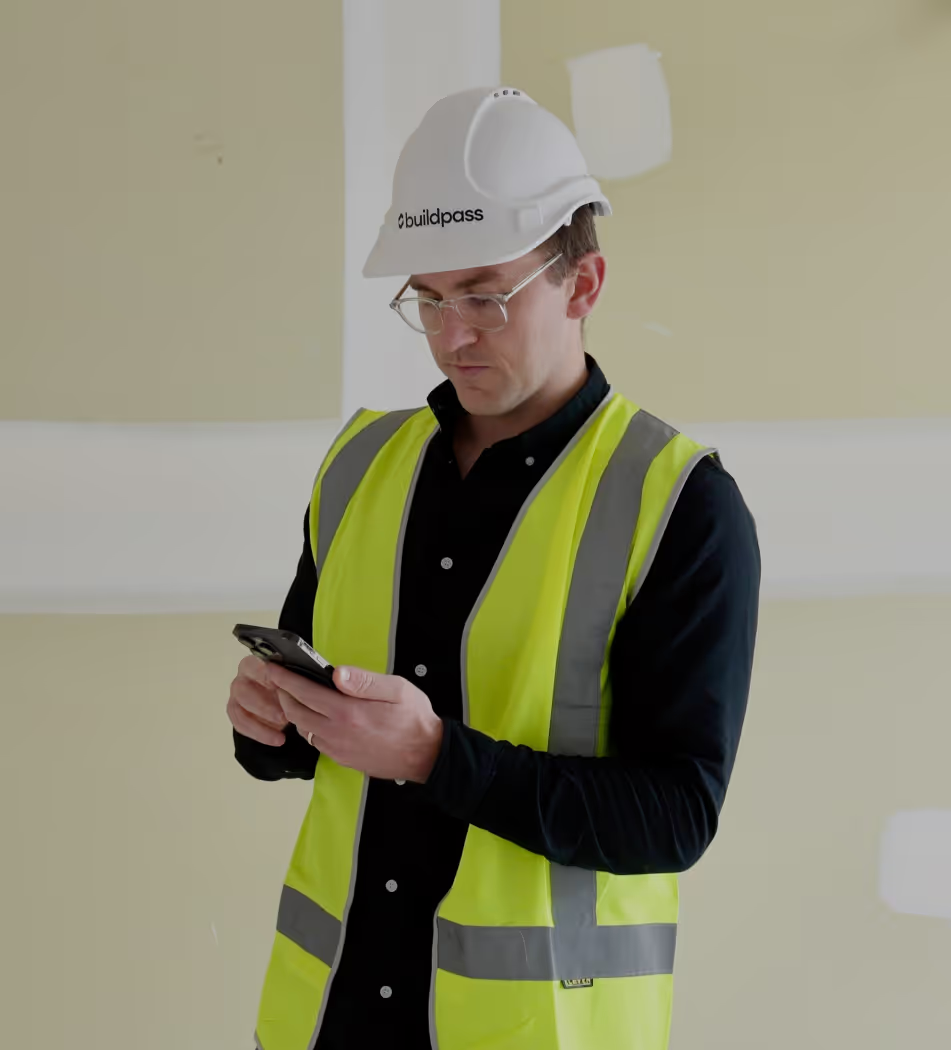
We're passionate about creating lasting relationships with our customers. Discover how leading construction professionals use BuildPass to create smarter, safer sites.





Discover how you could use BuildPass to create a safer, more efficient construction site.

Better communication
Foster better communication with head contractors and subcontractors by managing all of your sites workflows in one place.
Boost productivity
AI streamlines your daily processes and eliminates manual tasks, giving your team valuable hours back to focus on what truly matters.
Site safety
From instantly accessible insurance documents to comprehensive safety checklists, BuildPass sets you up for safety success.
Customisable checklists
Empower Admin users with the tools they need to create checklists that manage a range of tasks; from ITPs to a plant induction template.
Consolidated documents
The consolidated document management system and image library will help you find exactly what you need, whenever you need it.
Mobile first
Construction isn't office based and neither is BuildPass. Access everything you need straight from your phone.
Featured blog posts
See how top builders are transforming their on site operations with BuildPass by streamlining workflows, improving safety, and meeting compliance requirements.
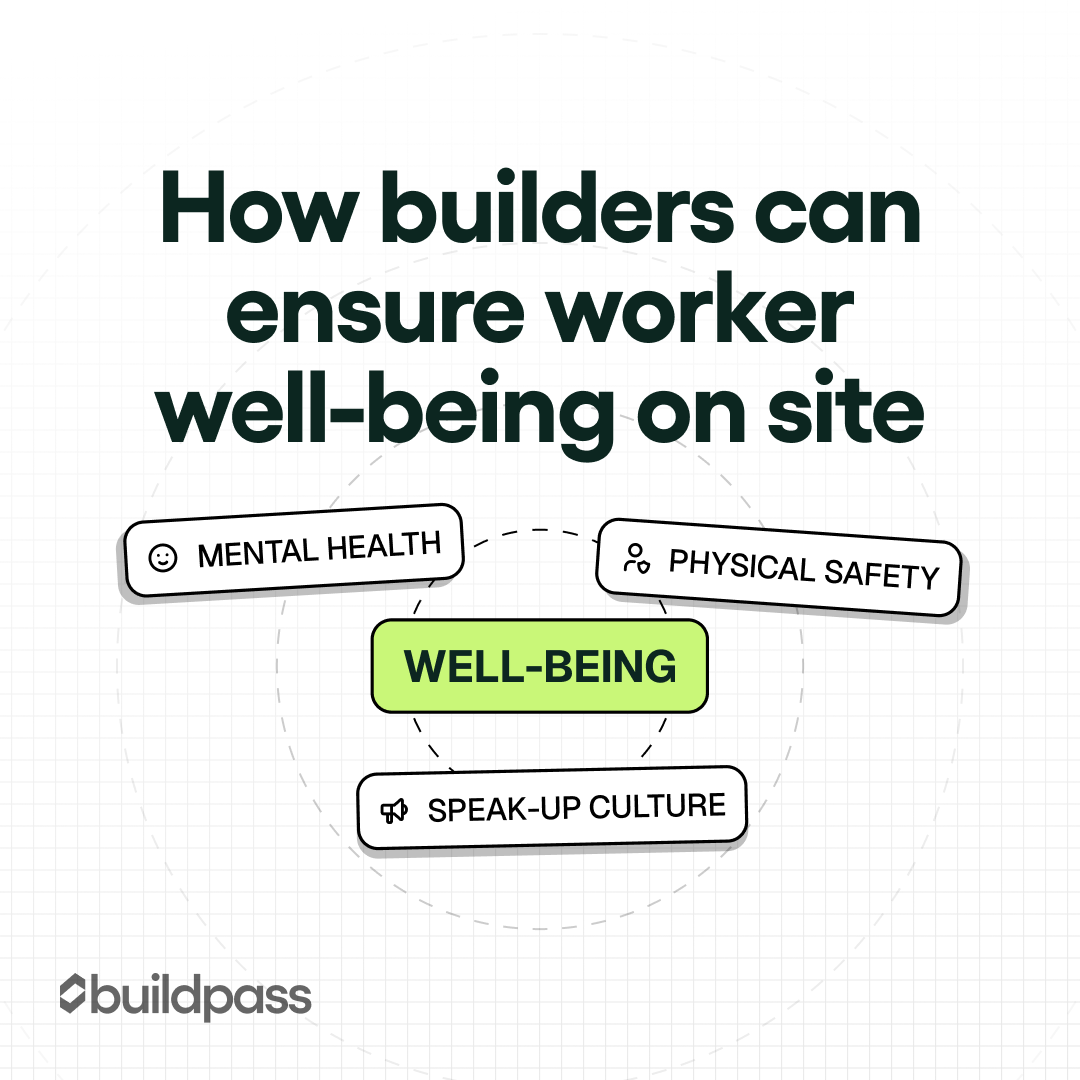
A practical look at worker well-being on construction sites, covering safety, fatigue, and mental health, and how BuildPass helps reduce pressure and improve site conditions.
A guide to replacing paper-based site inductions with digital workflows, improving compliance, visibility, and efficiency using BuildPass.
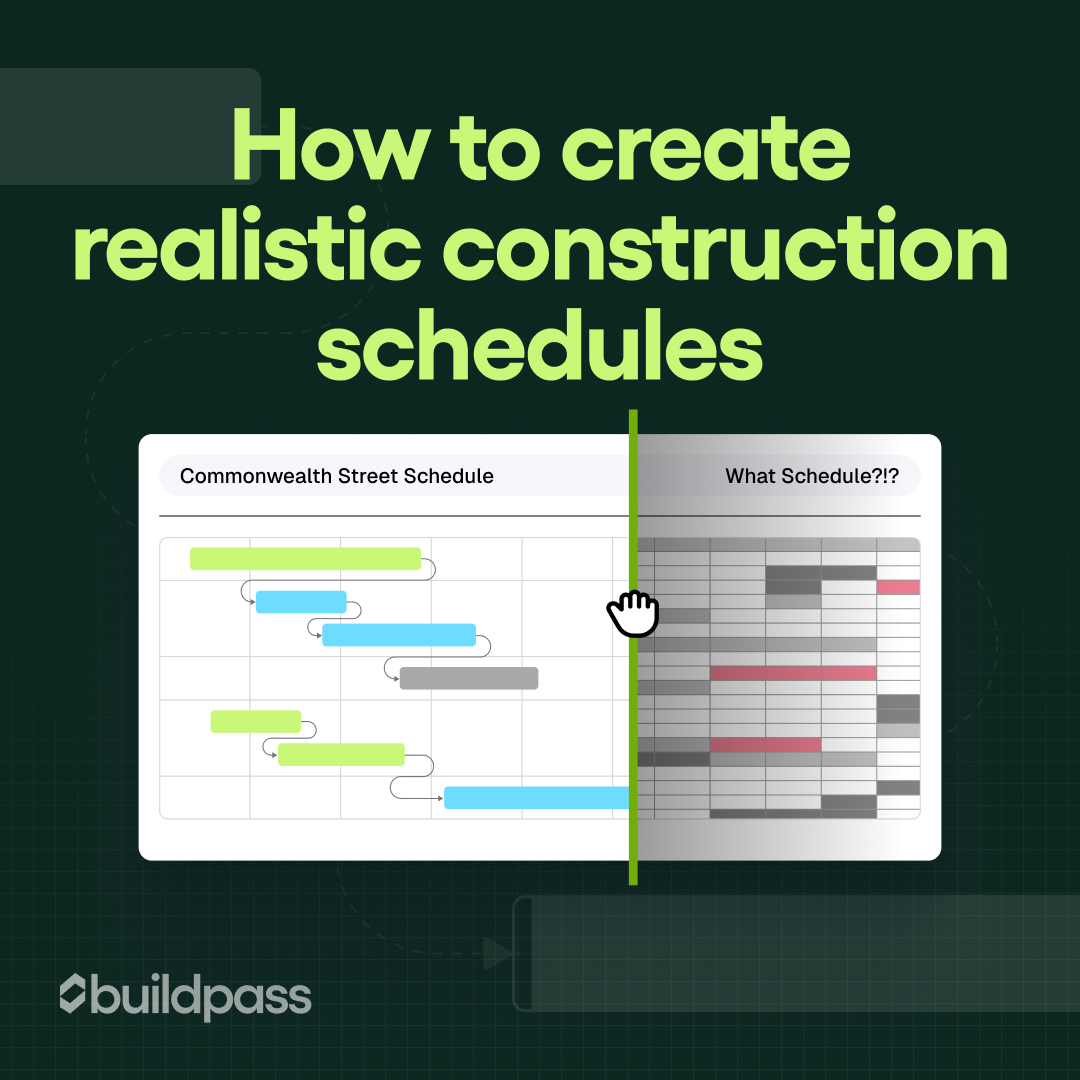
A practical guide to building realistic construction schedules, avoiding common delays, and using BuildPass to plan, track, and adapt projects in real time.
Frequently asked questions
Let's face it. Manual sign-ins aren't always reliable. They get skipped, rushed or filled out incorrectly. With a geofencing system, you can automatically track who's actually on-site. It sets a virtual boundary around your site and logs when workers arrive and leave so you can track attendance on actual presence.
This means you get precise, honest records of who was on-site and when - no more guesswork or disputes over hours worked. You can choose between two levels of geofencing: one that sends reminders to sign on or off, and another that automatically records sign off/ on times for you.
Setting up geofencing on BuildPass? Surprisingly quick- typically just undera minute per site. Each project has the location already set, so it only needs to be enabled in project settings. Simply click 'Allow' when prompted for location permissions (and ensure you choose 'Allow while using app', then change to 'Always allow' so you don't need BuildPass open. To double-check that everything is running as it should, head to your "Profile", press "Settings" and confirm that the "Geofenced Projects" toggle is enabled. It really is that easy.
Geofencing (when the auto sign on /off feature is enabled) eliminates the uncertainty and potential for human error in time tracking. Since it logs exactlywhen someone steps on and off site, you're always working with real hours, not rough estimates. That means fair pay for your team, no overpayments for your business and less back-and-forth come payday. Everyone wins.
Subscribe to our monthly newsletter and receive BuildPass news and industry insights you won't want to miss.
By clicking Sign Up you're confirming that you agree with our T&Cs.