

RFIs
Still managing RFIs through your inbox? There’s a better way.
Raise, assign and track every Request for Information across your projects without the email chaos.
We build with the best
We work with the best head contractors, builders, project managers and consultants. From large scale commercial builds to high-end residential homes. See how BuildPass can help you work smarter - not harder.


















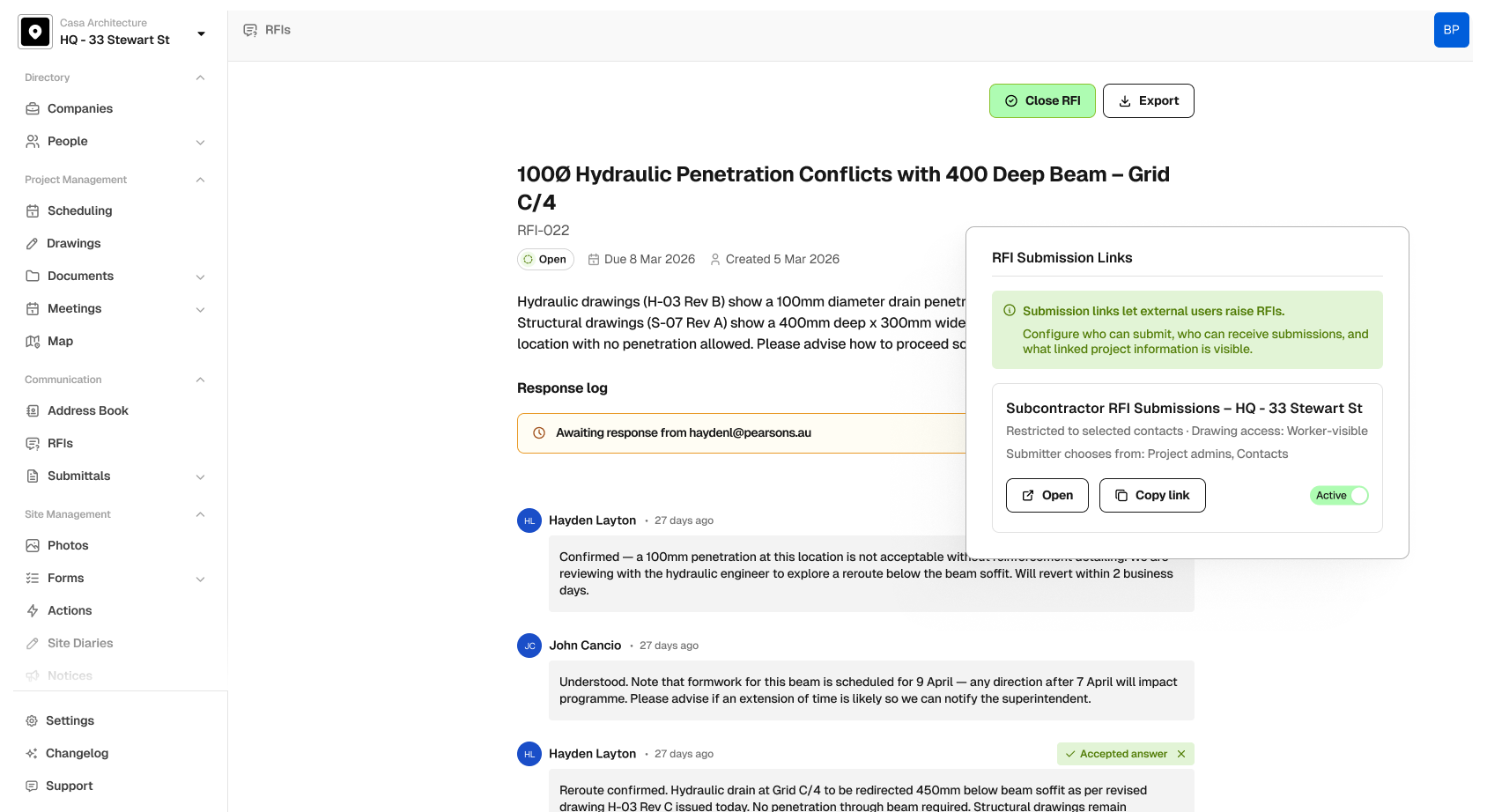
Built for how RFIs actually work on site

Raise an RFI in under 30 seconds
Pick a project, type your question, assign it and hit send. It’s numbered, logged, and ready to track the moment it leaves BuildPass.
Get a response by email
Your contact gets an email with the RFI and full context. They reply from their inbox and it lands straight in the thread, tracked and timestamped.
Never lose track of what’s outstanding
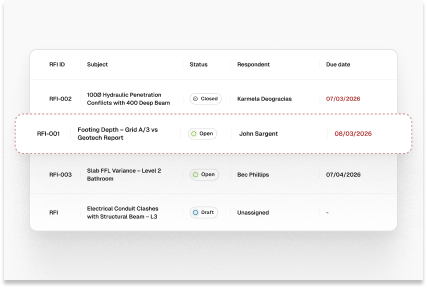
Every RFI has an owner and a due date. See at a glance what’s open, what’s overdue and who’s responsible, so nothing falls off the radar.
One thread from question to answer
No more stitching together email chains. Every message, attachment and response lives in a single conversation thread tied to the original question.
Close it out and generate next steps
When you get the response you need, flag cost and schedule impact and let AI draft the follow-up action for you.
An audit trail you can actually trust
Once an RFI is submitted, the question locks. Every response is timestamped. Export the full register whenever you need it.
From question to resolution in one place
How RFIs work in BuildPass
Every detail matters when you’re chasing a decision. These are the tools that make sure nothing gets missed between question and answer.
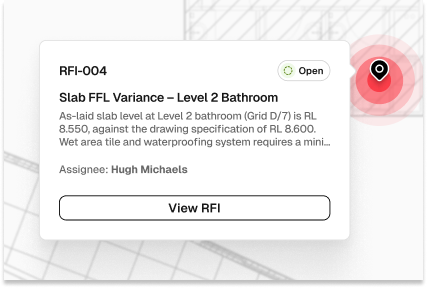
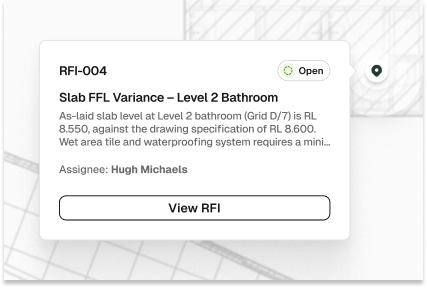
Pin an RFI to the exact spot on a drawing
Connect an RFI directly to a drawing sheet and drop a pin on the location where the issue is. The person responding sees exactly where the problem sits, no back-and-forth needed.
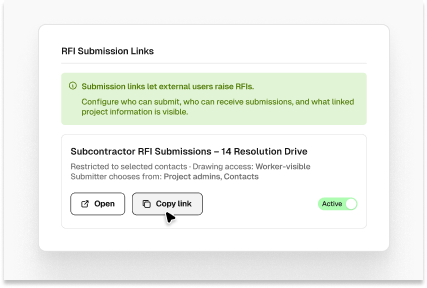
Customisable external submission links
Generate a custom link with controls over who can see drawings and who can be contacted. Subcontractors, workers, or architects submit RFIs directly into your register on their own terms.
See what's overdue at a glance
Overdue RFIs are flagged across the dashboard so you can instantly see what's outstanding and who needs to reply. Notifications go straight to email, so architects and consultants know when something's urgent.
AI summaries and follow-up actions
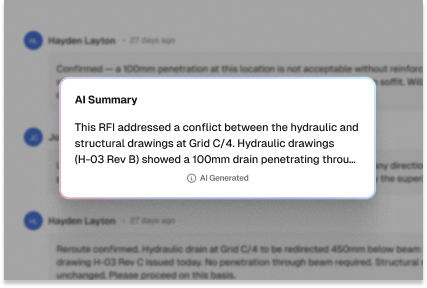
AI summarises long RFI threads so you can see what's going on without reading every message. It also helps generate follow-up actions straight from the conversation.
Attach photos, PDFs and documents
Add site photos, spec PDFs, contracts or any supporting file directly to an RFI thread. Capture evidence on the spot from your phone or link files from your project
Export RFIs to PDF or CSV
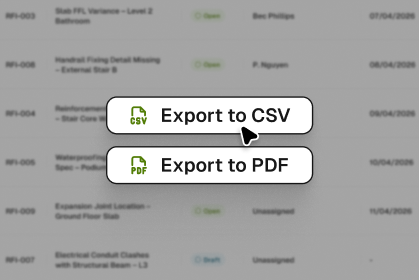
Download individual RFI records or export your full register as a PDF or CSV. Use AI to generate client updates, project summaries, or formal letters, upload your template and it'll match your style
AI Toolkit
BuildPass AI is your super powered sidekick you won't be able to live without. Discover how you can skip stale admin, speed up manual processes and get sh** done faster.

Health & Safety
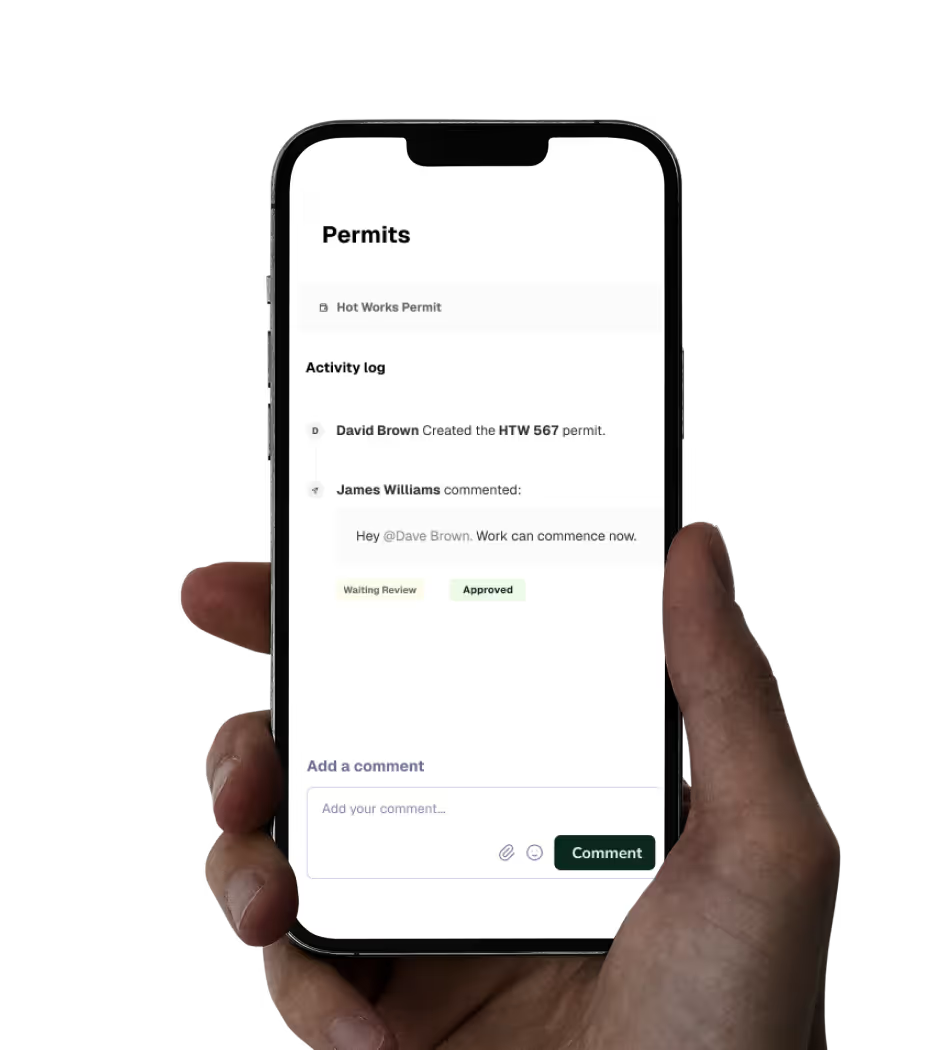
Digitising your health & safety processes will be the best thing you ever do. Gone are the days of photocopying insurances or scanning in SWMS.
Quality Assurance
Build quality into everything you do. Create ITPs, capture defects & ensure site work is to spec.
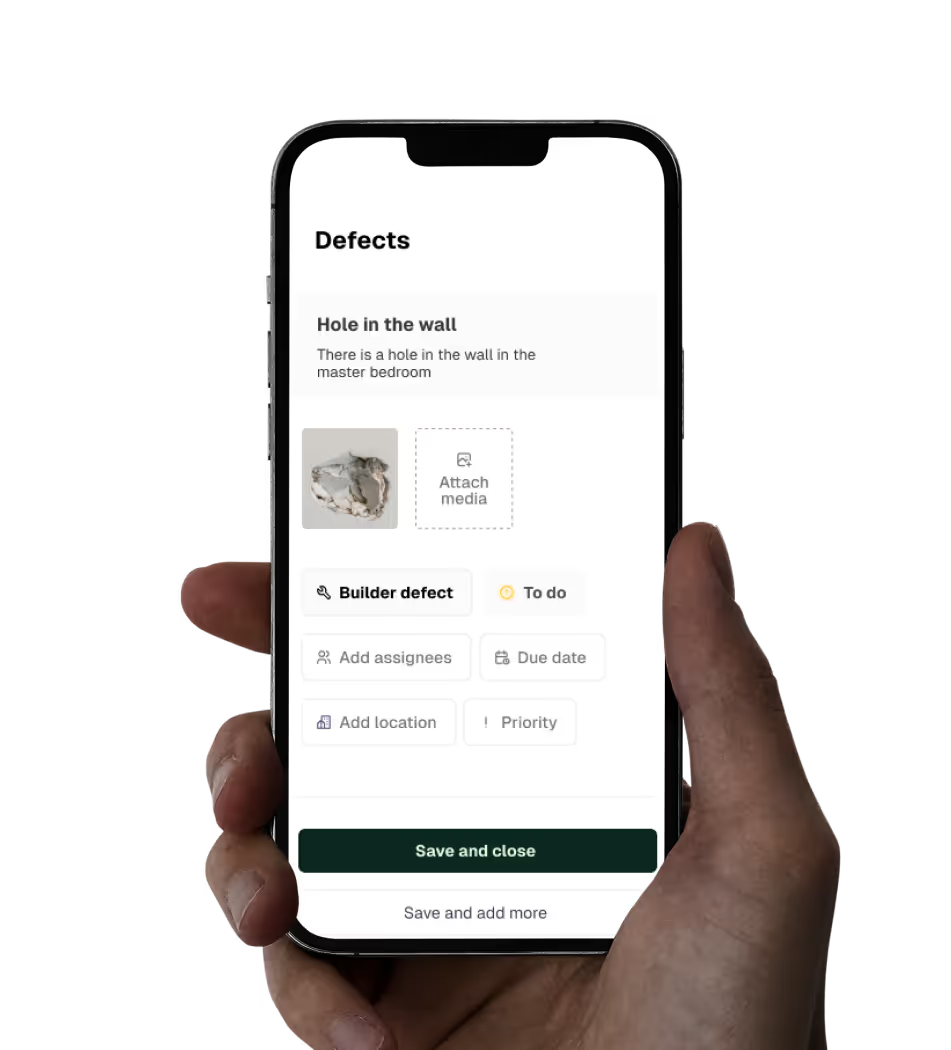
Site Management
Centralise the management of every task on site. Build schedules, workflows, and daily site diaries with ease.

Access a range of free templates and checklists within the BuildPass marketplace.

Trusted by industry leaders
We’re passionate about creating lasting relationships with our customers. Discover how leading construction professionals use BuildPass to create smarter, safer sites.





Featured blog posts
See how top builders are transforming their on site operations with BuildPass by streamlining workflows, improving safety, and meeting compliance requirements.
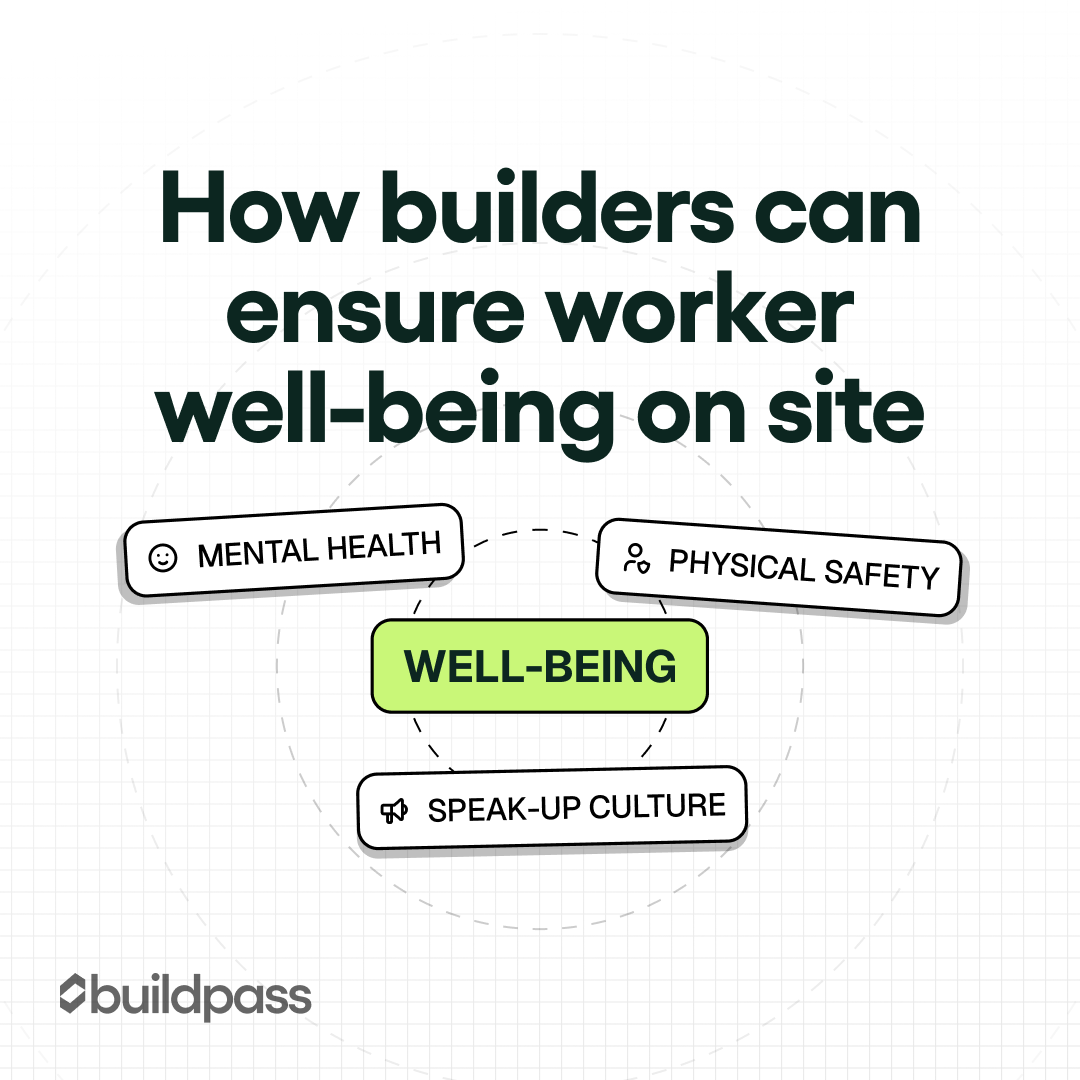
A practical look at worker well-being on construction sites, covering safety, fatigue, and mental health, and how BuildPass helps reduce pressure and improve site conditions.
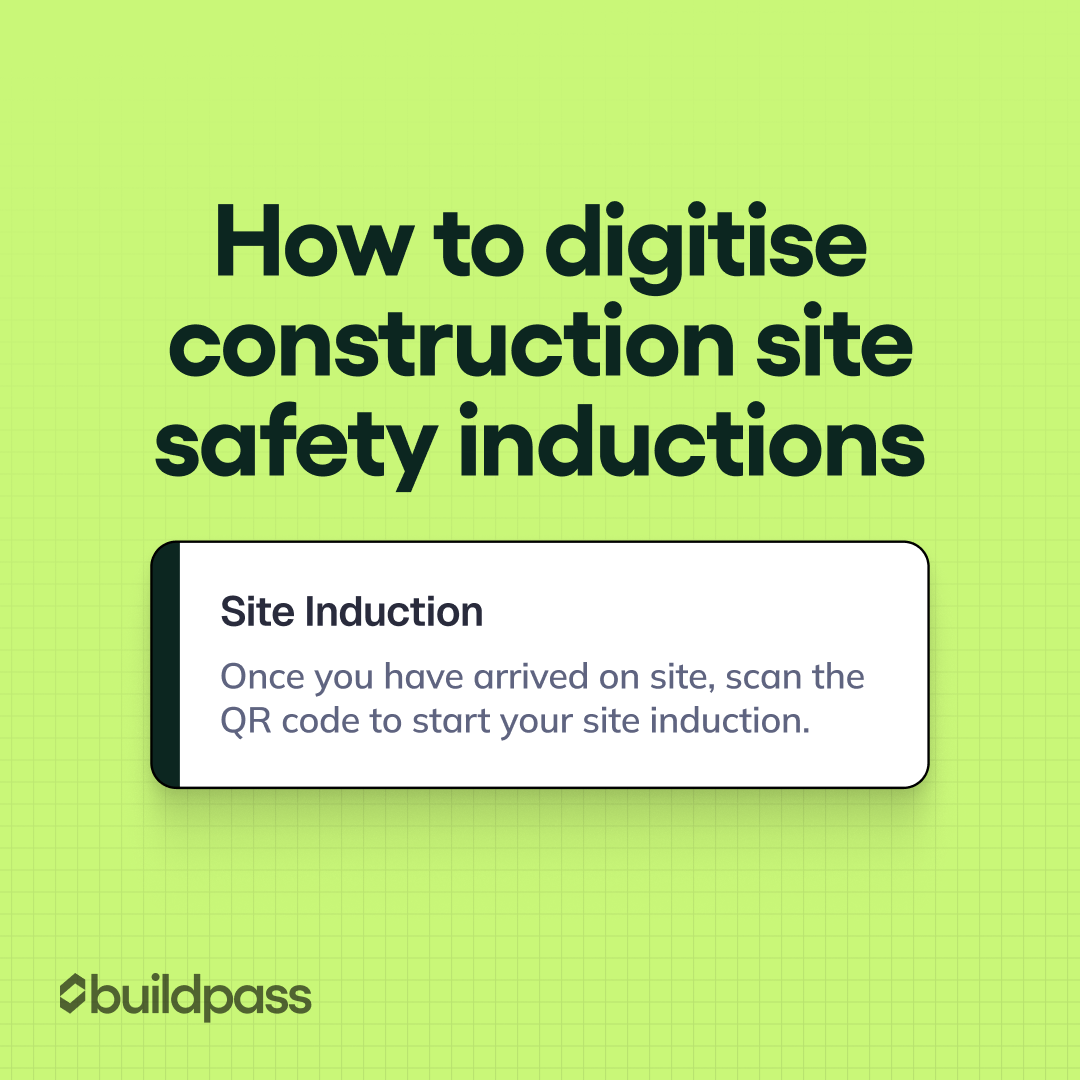
A guide to replacing paper-based site inductions with digital workflows, improving compliance, visibility, and efficiency using BuildPass.
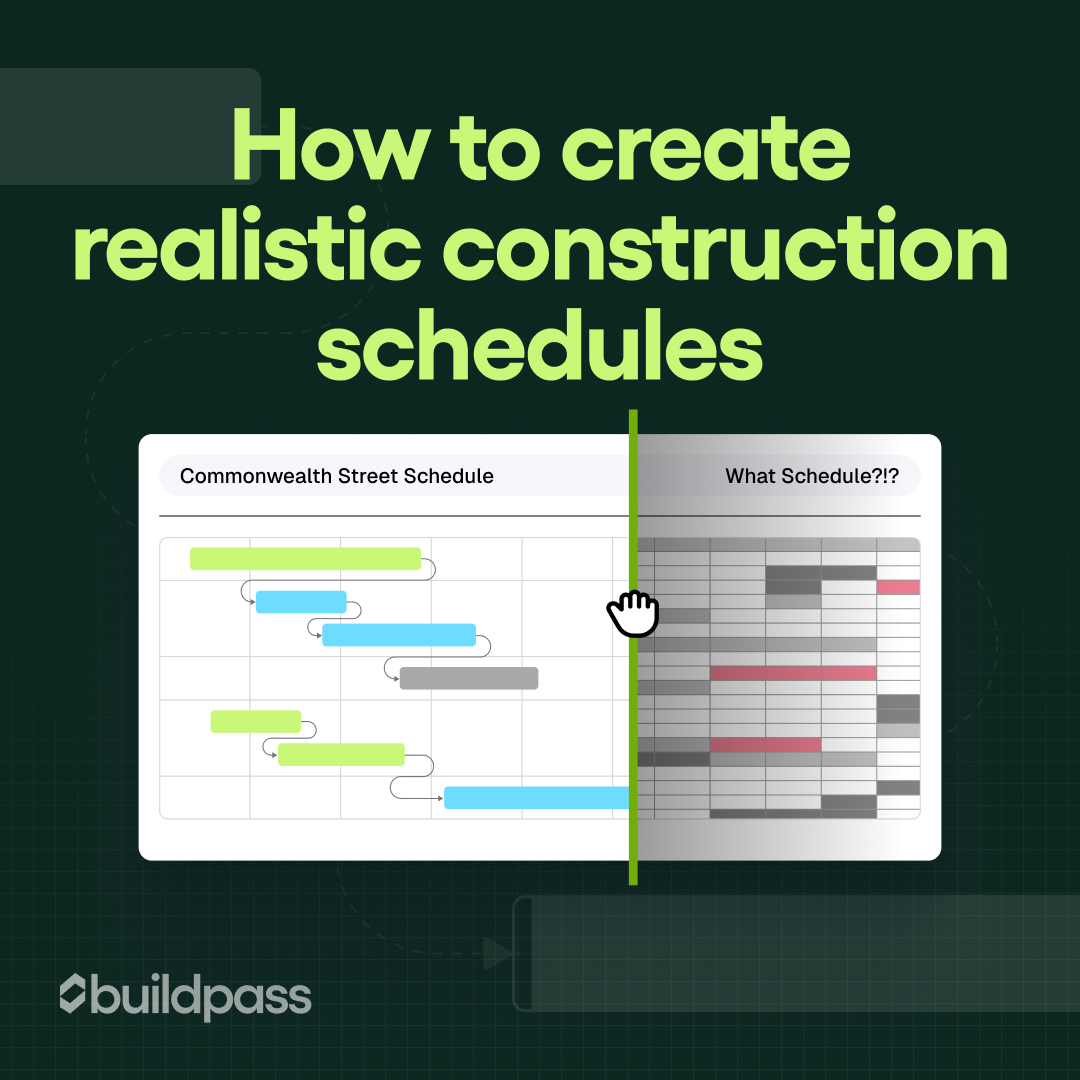
A practical guide to building realistic construction schedules, avoiding common delays, and using BuildPass to plan, track, and adapt projects in real time.
Subscribe to our monthly newsletter and receive BuildPass news and industry insights you won’t want to miss.
By clicking Sign Up you’re confirming that you agree with our T&Cs.